
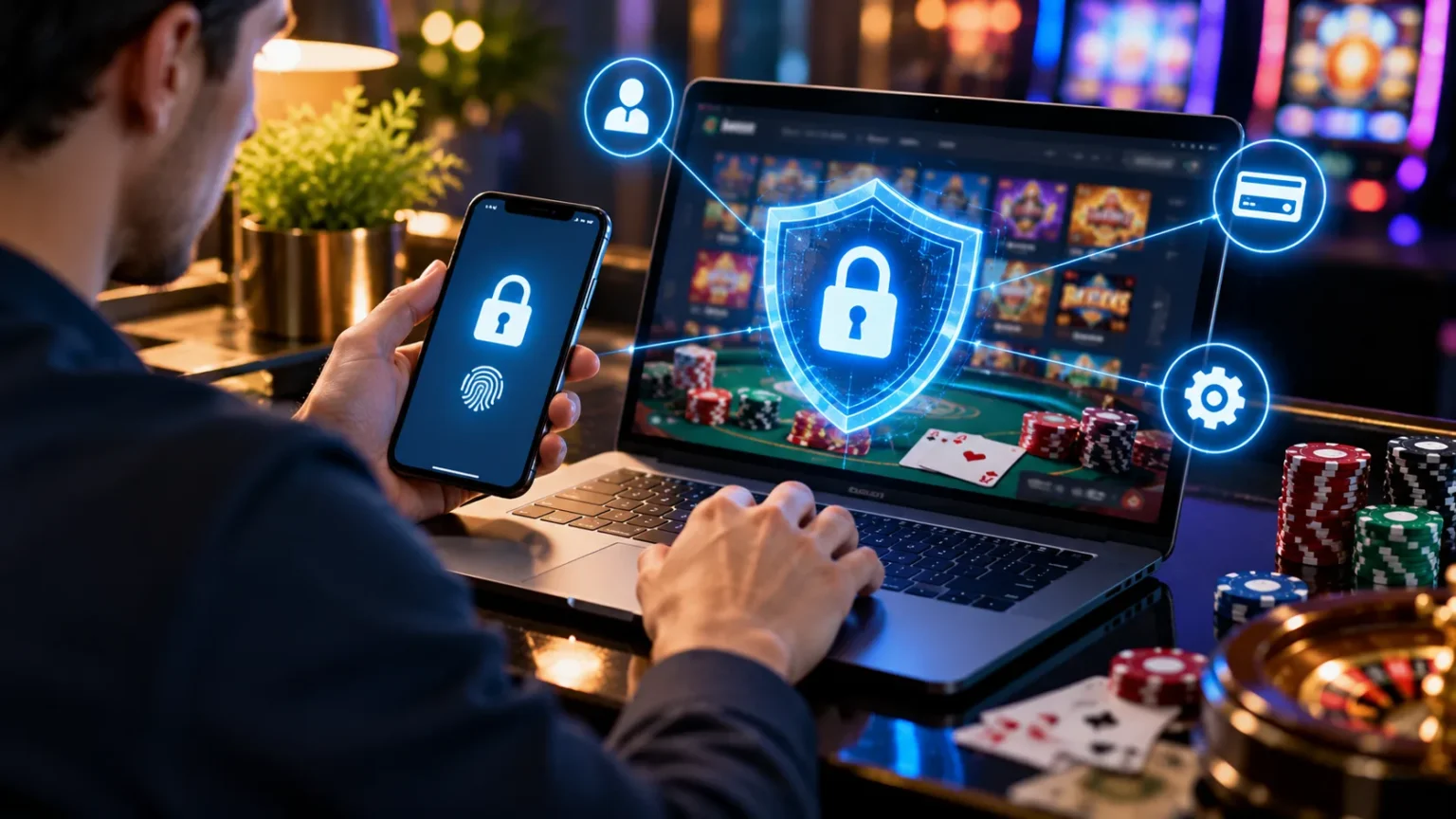
Online account security is important for anyone who uses websites that store personal information or financial details. Online casino accounts can be particularly sensitive because they may contain identity documents, transaction histories, and payment information. Without proper protection, these accounts may become targets for cybercriminals looking to steal personal data or gain unauthorized access.
Hackers use several methods to compromise online accounts. These include phishing emails, stolen passwords, fake websites, and malicious software. Understanding these threats helps people recognize suspicious activity and protect their digital identities. Simple cybersecurity habits can reduce many common risks.
This guide explains how to protect an online casino account, identify potential security threats, and respond to suspicious activity. It focuses on digital safety, privacy, and fraud prevention rather than gambling participation. Gambling platforms are age-restricted, and anyone below the legal gambling age should not use them.
Why Online Casino Account Security Matters
Online casino accounts may contain sensitive information, including names, email addresses, payment records, and identity verification documents. Criminals who access this information may attempt identity theft, financial fraud, or unauthorized transactions. Protecting these details is an important part of maintaining online privacy. Even accounts that are rarely used can present security risks if personal information remains stored.
Cybercriminals frequently target websites that manage financial transactions or valuable personal information. They may use automated password attacks, deceptive messages, or malicious links to obtain account credentials. Some scams attempt to impersonate customer support representatives or legitimate payment providers. Recognizing these techniques makes suspicious requests easier to identify before personal information is exposed.
Poor account security can create problems beyond the affected website. People who reuse passwords across several services may unknowingly expose their email, shopping, or banking accounts during a security incident. Stolen personal information can also be misused long after the original compromise. Strong digital security practices help reduce these connected risks.
Use Strong and Unique Passwords
A strong password is one of the most important protections against unauthorized account access. Weak passwords containing common words, predictable numbers, or personal information are easier for attackers to guess. Long, randomly generated passwords provide better protection against automated guessing attempts. Every sensitive account should have its own password rather than sharing credentials with other services.
Password reuse is particularly dangerous when websites experience data breaches. Attackers often test leaked username and password combinations across unrelated websites, a technique known as credential stuffing. Someone using the same password for email and an online casino account could expose both services. Unique passwords prevent one compromised account from automatically providing access to another.
Password managers help people generate and securely store complex passwords. These applications reduce the need to memorize multiple combinations or save passwords in unprotected documents. Many also identify reused or previously exposed credentials. Choosing a reputable password manager and protecting it with a strong master password can improve overall account security.
Enable Two-Factor Authentication
Two-factor authentication, often called 2FA, adds another security check beyond a password. Even when attackers obtain login credentials, they may be unable to access an account without the additional authentication factor. This extra protection can reduce the risk of unauthorized access. It is particularly valuable for accounts containing financial or personally identifiable information.
Authentication methods vary in security. Authenticator applications and passkeys generally provide stronger protection than SMS codes, which can be vulnerable to certain phone-number attacks. Security keys offer additional phishing resistance on supported services. The safest option depends on what authentication methods a particular website supports.
Verification codes should never be shared with another person, including someone claiming to work for customer support. Scammers sometimes request these codes while pretending to investigate suspicious activity. Legitimate security procedures should not require handing over one-time login codes through unsolicited messages. Unexpected authentication notifications may also indicate that someone is attempting to access an account.
Recognize Phishing Emails and Fake Websites
Phishing is a common cybersecurity threat involving deceptive messages designed to steal personal information. Attackers may create emails that resemble official notifications from recognizable websites or payment services. These messages often claim there is a security emergency or an account problem requiring immediate attention. Their purpose is to pressure recipients into opening malicious links or disclosing private information.
Fake websites can closely imitate legitimate login pages. They may use familiar colors, logos, and layouts while secretly collecting usernames and passwords. A website can also display a secure connection indicator without being trustworthy. Checking the complete website address and avoiding unexpected login links can reduce exposure to these scams.
Suspicious messages frequently contain unusual sender addresses, urgent language, or requests for sensitive details. Some may claim that an account will be closed unless immediate action is taken. Rather than responding directly, contact the service through a previously verified communication channel. Reporting phishing messages also helps email providers identify and block similar threats.
Keep Devices and Browsers Updated
Outdated software can contain security vulnerabilities that cybercriminals exploit to access personal information. Operating systems, web browsers, and installed applications receive updates that frequently include important security fixes. Delaying these updates may leave known weaknesses unresolved. Keeping devices updated is therefore an essential part of protecting any sensitive online account.
Automatic updates make device maintenance easier by installing supported security improvements regularly. Browser updates can also strengthen protection against malicious websites and harmful downloads. Users should obtain software from official developers or trusted application stores. Unofficial software packages may contain altered files or unwanted programs that compromise device security.
Device security also depends on everyday habits. Screen locks, reputable security software, and careful application permissions help protect personal information from unauthorized access. Downloading unfamiliar attachments or installing unverified browser extensions can introduce additional risks. A properly maintained device provides a stronger foundation for protecting account credentials and stored data.
Avoid Public Wi-Fi Risks
Public Wi-Fi networks are common in airports, hotels, shopping centers, and restaurants. Although convenient, unfamiliar networks can present privacy and security concerns. Attackers may create deceptive wireless hotspots that imitate legitimate networks or attempt to manipulate network traffic. Sensitive account activity deserves extra caution when the connection cannot be verified.
Modern HTTPS encryption protects much of the information exchanged between browsers and websites, but it does not eliminate every online threat. Malicious websites, deceptive login pages, and compromised devices can still expose personal information. A VPN may offer additional privacy on some networks, but it cannot make fraudulent websites safe. Understanding these limitations helps prevent a false sense of security.
Avoid accessing sensitive financial services over unfamiliar public networks whenever practical. If a network displays unusual certificate warnings or unexpected sign-in pages, do not enter sensitive information. Disable automatic connections to unfamiliar hotspots and forget networks that are no longer needed. These habits can reduce the likelihood of accidentally connecting to deceptive wireless services.
Protect Personal and Financial Information
Personal information is valuable to cybercriminals because it can support identity theft and account impersonation. Names, dates of birth, addresses, and identity document details may be misused when exposed. Financial records and payment information require similar protection. Sharing only necessary information with legitimate, authorized services reduces opportunities for data misuse.
Privacy policies can provide useful information about how websites collect, store, and share customer data. People should review these policies before submitting sensitive documents to any online service. A legitimate privacy notice should explain relevant data practices and available rights. Unclear policies or excessive requests for information may indicate that additional caution is necessary.
Sensitive documents should not be sent through unverified messaging accounts or unsolicited email requests. Criminals sometimes impersonate security departments to persuade people to provide identification materials. If personal information has already been shared with a suspicious party, contacting the relevant financial institution or identity protection authority may be appropriate. Early action can limit further exposure.
Watch for Unauthorized Account Activity
Unexpected account notifications can provide early warning of unauthorized access. These may include password-reset emails, unfamiliar sign-in alerts, or notifications about changes to personal information. Such events do not always indicate a successful attack, but they deserve attention. Ignoring suspicious activity may allow an attacker additional opportunities to misuse stolen credentials.
Financial records can also reveal potential account compromise. Unrecognized transactions, unexpected payment requests, or changes in stored payment details may indicate fraud. Reviewing bank or card statements helps identify problems that might otherwise go unnoticed. Financial institutions often provide transaction alerts that can make unusual activity easier to detect.
When suspicious activity appears, users should verify the alert through an independent, trusted channel. Clicking links in the original suspicious message may expose them to phishing attempts. The relevant service’s official support team can clarify whether unauthorized access occurred. Promptly notifying a bank about unrecognized transactions may also help limit financial losses.
Know How to Respond to a Hacked Account
Discovering that an account may have been compromised can be stressful. The first priority is preventing additional exposure of personal information. The affected service should be contacted through an independently verified support channel. If the same password was used elsewhere, those other accounts may also require immediate security attention.
Email account protection is especially important after a suspected compromise. Attackers who control an email inbox may intercept security notifications or attempt password resets for other services. Reviewing recent security activity and protecting the email account with strong authentication can help prevent related attacks. Recovering control of the email account may be necessary before addressing connected services.
Potential financial fraud should be reported to the relevant bank or payment provider without unnecessary delay. Depending on the situation, affected individuals may also need to report identity theft or unauthorized use of personal documents. Preserving legitimate security notifications and transaction records can support an investigation. Official support teams can explain available recovery procedures and next steps.
Understand the Risks of Account Sharing
Sharing account credentials creates security and privacy risks across many online services. Another person may accidentally expose a password, access sensitive records, or make unauthorized changes. Even when credentials are shared with someone trusted, control over the account becomes more difficult. Keeping login details private helps preserve accountability and reduces unnecessary exposure.
Shared accounts can also make suspicious activity harder to investigate. When multiple people use the same credentials, identifying the source of an unfamiliar login becomes more complicated. Security notifications may be ignored because users assume another person initiated the activity. Individual account ownership makes unusual events easier to recognize and report.
Some online services prohibit credential sharing under their terms of use. Financially sensitive platforms may apply additional identity verification requirements to prevent fraud and impersonation. These restrictions are designed partly to protect personal information and establish responsibility for account activity. Understanding a service’s account ownership rules can help prevent avoidable security and privacy disputes.
Be Careful With Customer Support Impersonation
Customer support impersonation is a widespread method of online fraud. Criminals may create fake social media profiles, websites, or messaging accounts that resemble legitimate support teams. They often claim they can fix security problems or resolve account restrictions. Their real objective may be obtaining passwords, verification codes, payment information, or identity documents.
Unsolicited support messages deserve particular scrutiny. A scammer might contact someone after seeing a public complaint or question about an account. They may then direct the person toward an unofficial website or request sensitive details through private messages. Professional-looking branding alone does not establish that a representative is genuine.
Contact information should be verified using an independently trusted source rather than an unexpected message. Avoid providing passwords, recovery codes, or remote access to devices when approached by unknown representatives. If a suspicious conversation has already occurred, reviewing account security and reporting the impersonation can help reduce potential harm. Maintaining clear boundaries around sensitive information is an effective defense.
Consider Account Closure and Data Privacy
Keeping unused online accounts active can increase the amount of personal information exposed during future security incidents. Older accounts may contain outdated contact information, saved payment details, or previously submitted identity documents. People sometimes forget these accounts exist until receiving a suspicious notification. Reviewing unused services is therefore a useful part of digital privacy management.
Account closure and personal data deletion are not always the same process. A service may close access while retaining certain records to meet legal, regulatory, or fraud-prevention obligations. Privacy policies should explain retention practices and available deletion rights. Users can contact verified customer support to understand how their information will be handled after closure.
For age-restricted gambling websites, account closure may also be appropriate when an account belongs to someone below the legal gambling age. Young people should avoid using these services and seek assistance from a trusted adult if they have concerns about personal information already submitted. Protecting privacy is more important than maintaining access to an age-restricted platform.
Conclusion
Protecting an online casino account begins with understanding common digital security threats. Weak passwords, phishing scams, malicious websites, and exposed personal information can create serious privacy and financial risks. Long, unique passwords, strong authentication, and updated devices provide important layers of protection. These measures are useful for sensitive online accounts of many kinds.
Security also requires awareness of suspicious messages and unusual account activity. Unexpected login alerts, unrecognized financial transactions, and requests for verification codes should receive careful attention. Contacting verified support channels and relevant financial institutions can help address potential problems. Acting promptly may reduce the impact of unauthorized access or identity theft.
Finally, online privacy should remain a priority even when an account is no longer being used. Reviewing stored information, understanding data retention policies, and closing unnecessary accounts can reduce exposure. Gambling services are intended only for people who meet applicable legal age requirements. Digital safety and responsible management of personal information should always come first.
Frequently Asked Questions
1. How can I tell if my online casino account has been hacked?
Possible warning signs include unfamiliar login notifications, unexpected password resets, changes to personal details, or unrecognized transactions. Contact the service through a verified support channel if suspicious activity appears.
2. What is the safest way to protect an online account password?
Use a long, unique password generated by a reputable password manager. Avoid reusing passwords and enable phishing-resistant authentication, such as passkeys or security keys, wherever available.
3. Can hackers steal information through public Wi-Fi?
Public Wi-Fi can expose users to deceptive networks and certain security threats. Modern encrypted connections provide protection, but avoiding sensitive activity on untrusted networks remains a sensible precaution.
4. What should I do if someone accesses my account without permission?
Contact the official support team and secure any connected email accounts. Report unauthorized financial transactions to your bank and update reused passwords on other services that may be exposed.
5. Is it safe to leave an unused online casino account open?
Unused accounts can retain sensitive personal and financial information. Closing unnecessary accounts and requesting information about data deletion or retention may reduce long-term privacy and security risks.